
Changelog

What we shipped, so you know what changed on your launch home.

May 8, 2026 - Listing analytics for makers

We think this matters for makers who are not sure whether their listing is actually getting the attention they hoped for. Listing analytics gives you a straight read on traffic to your Shipit page and leads out to your site, so you can tell if your marketing is landing or if it is time to try something else.

Right now it covers total and unique listing page views, total and unique leads through to your website, lead rate, and daily trends over the window you pick. We plan to improve it over time and extend analytics to more areas of the product.

How to open it

From your live product page, use Listing analytics when you are viewing a listing you own.
March 28, 2026 - Ask the maker

Visitors can now ask the maker a question directly from the product page.

Sometimes the pitch isn't enough. People want to ask how something works, what it supports, or if it fits their use case. Now they can do that without leaving the page.

How it works

While signed in, open any product page and use Ask the maker in the sidebar to send a question. The maker gets a notification and can reply directly.

Answers are automatically added to the product's FAQ so future visitors can see them too.

Makers won't see Ask the maker on their own products. Questions are answered from notifications.

January 23, 2026 - Keep your community updated

We've added a way for you to post updates directly on your product page.

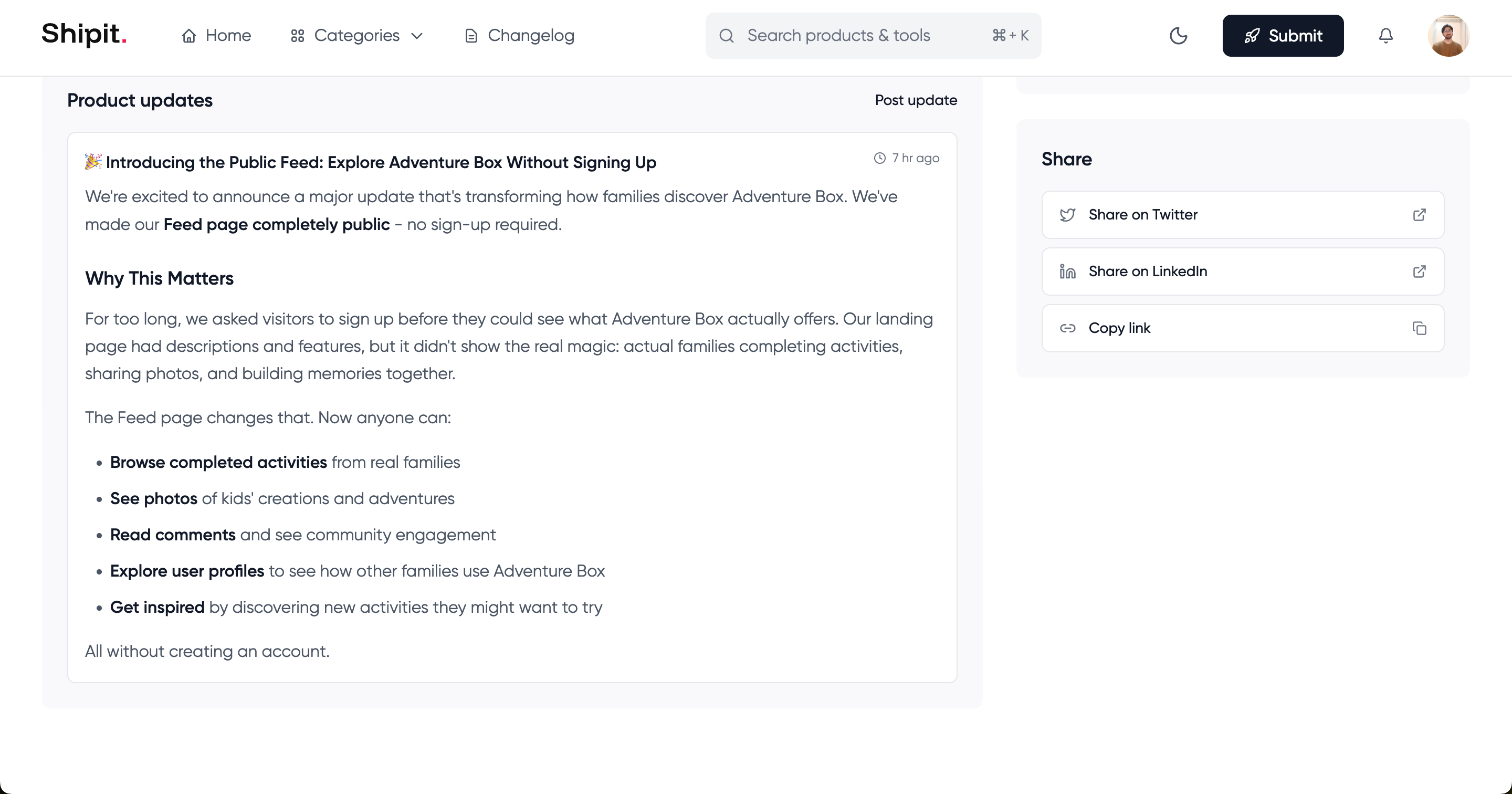
A few makers mentioned they wanted to share new features and improvements with their followers without sending them off to Twitter or a blog. That makes sense - if someone's following your product, they should be able to see what's new right there on the page.

Product page updates section

How it works

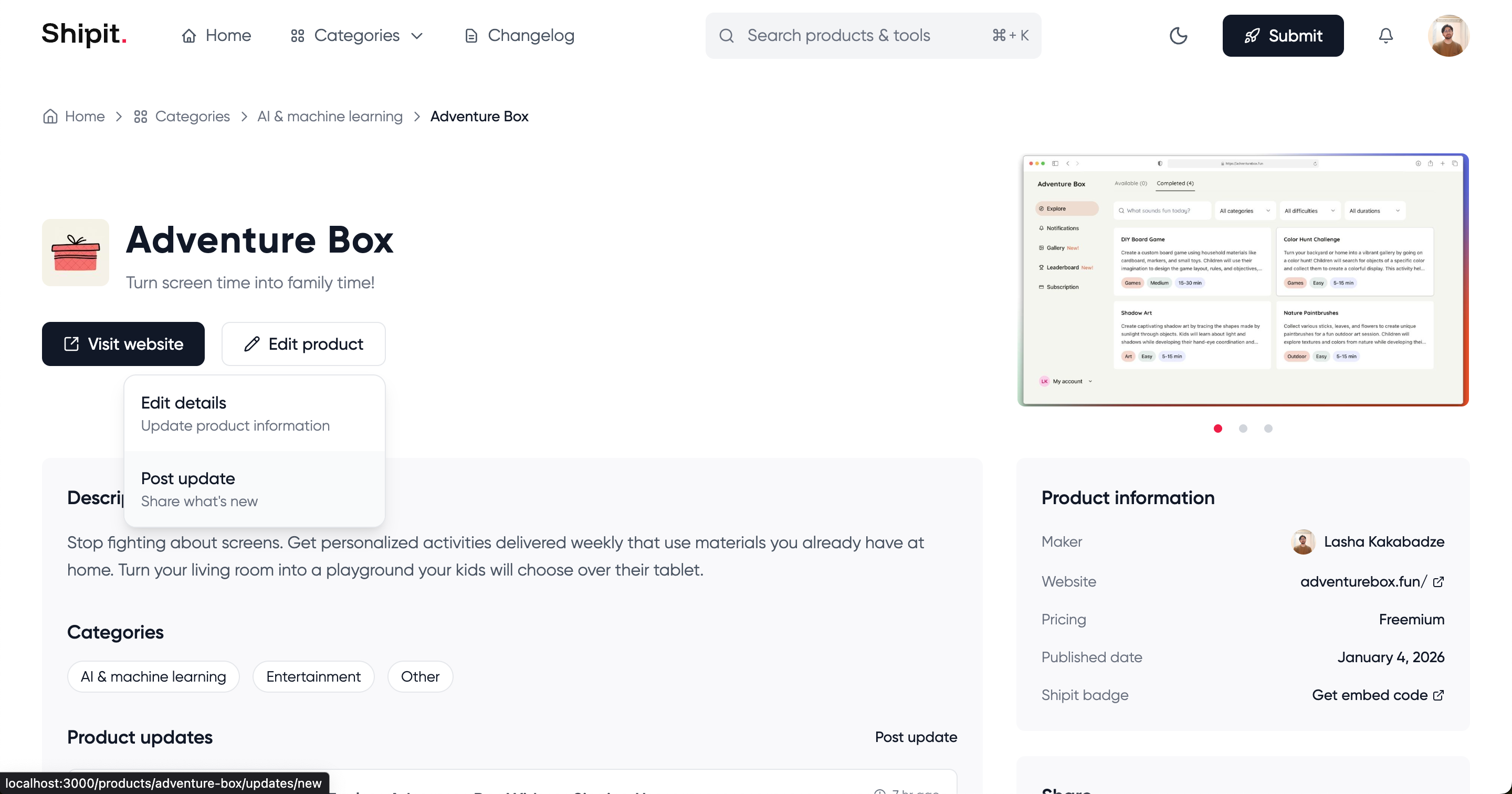
Head to your product page and click the dropdown next to "Edit product". You'll see a new "Post update" option there.

Dropdown menu

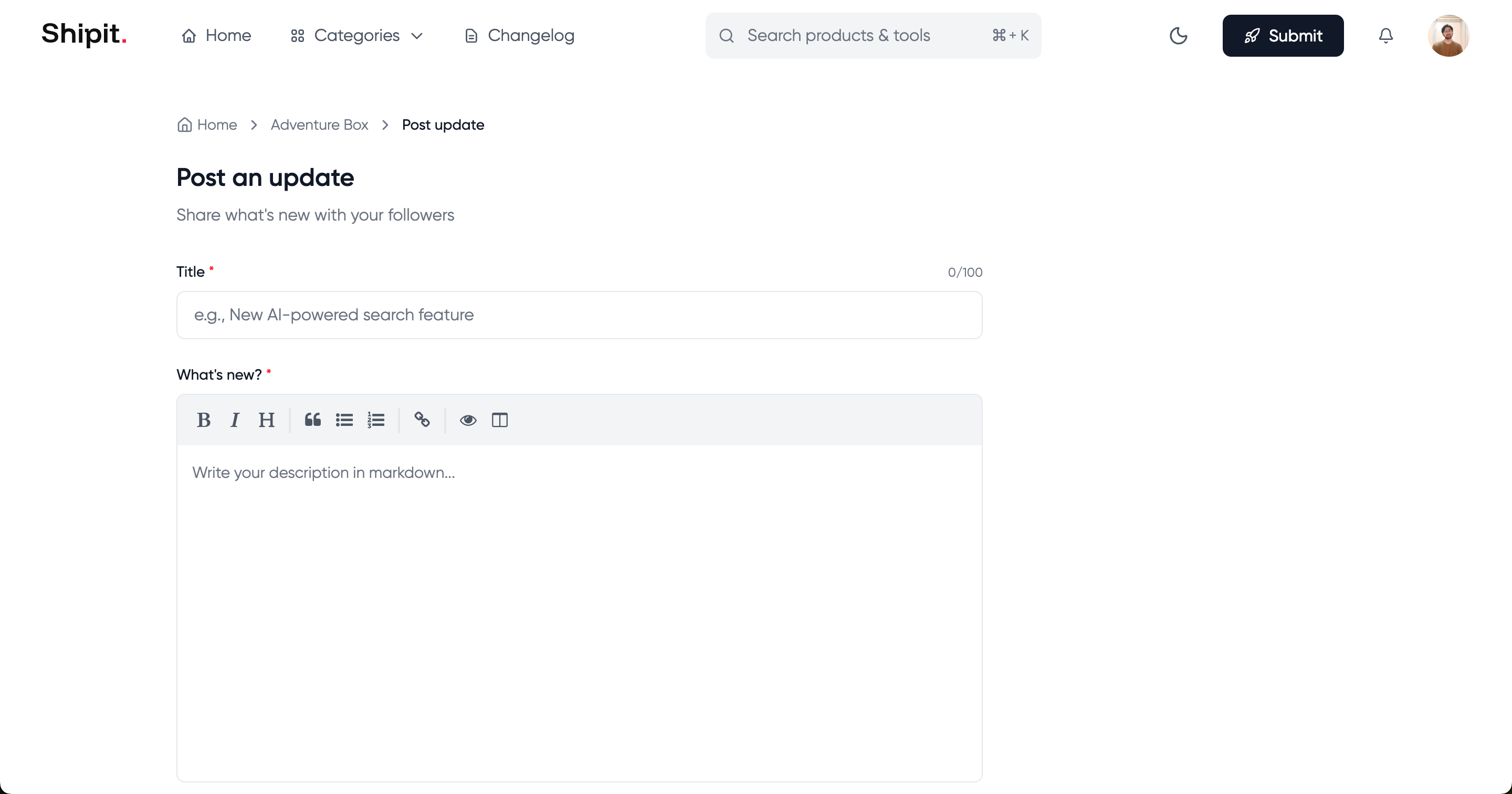
The editor supports markdown, so you can add headings, lists, bold text, and links to format your updates nicely.

Update form

When you publish an update, everyone following you gets a notification automatically. Your update appears in a dedicated section on your product page, so visitors can see what's changed or improved since launch.

Changelog | Shipit